

Your rankings, your content, and your URLs took years to earn. Our migration moves all of it to Webflow, ends the plugin and maintenance churn, and is monitored until the numbers prove nothing was lost.
Every update risks a conflict, and every conflict lands on your website at the worst time.
11,334 WordPress vulnerabilities were disclosed in 2025, 91 percent of them in plugins, and patching is your responsibility.
Plugins and themes accumulate until fewer than half of WordPress sites can pass Google's mobile speed test.
When editing risks breaking the site, the site stops being edited, and it drifts out of date.
Simple content updates queue behind an agency or freelancer, and campaigns wait on tickets.
Hosting, premium plugins, maintenance retainers, and emergency fixes add up to more than anyone planned.
A WordPress to Webflow migration rebuilds your website on Webflow while carrying over the things that earn traffic: your content, your URLs through 301 redirects, and your page titles and descriptions. Done properly, nothing that ranks is lost, plugins are replaced by native features that need no maintenance, and your team edits the site through a visual CMS instead of filing developer tickets.
Six protections, applied on every migration, in writing.
Every page, post, and asset is catalogued before anything moves, so nothing disappears unnoticed.
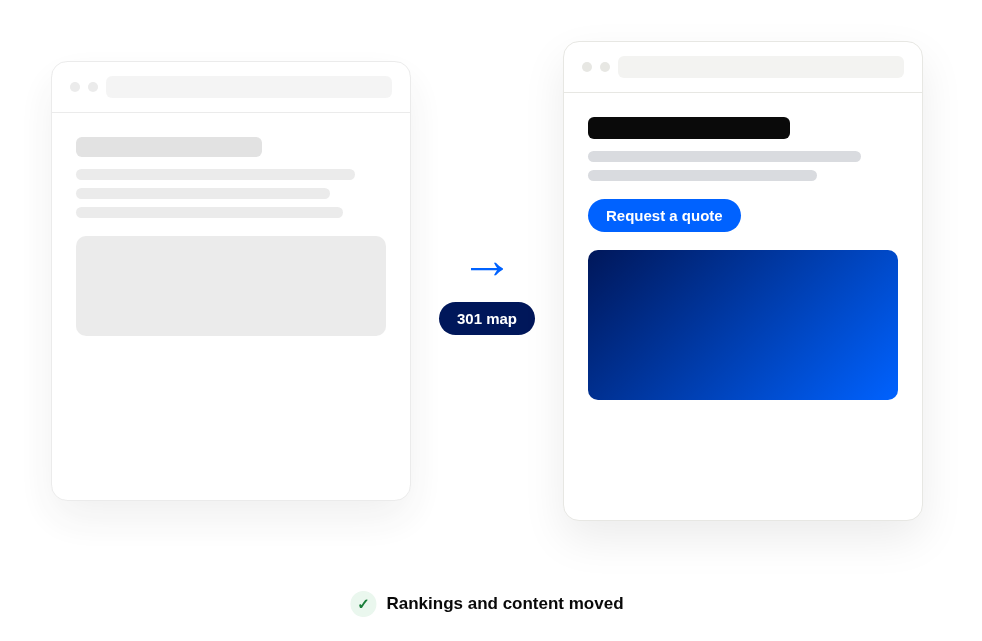
Each existing URL is mapped to its new home before launch, so link equity and bookmarks survive.
Titles, descriptions, and heading structure move with the content and are audited after import.
A clean sitemap is resubmitted at launch and crawl behavior is watched until indexing settles.
Structured data ships with the new site so ChatGPT, Gemini, and AI Overviews can read and cite you. It is the same discipline as our GEO solution.
Rankings and traffic are checked daily after launch against a written rollback plan we hope never to use.
Industry data, not our opinion. Your audit sets your own baseline before we start.
Fewer than half of WordPress sites, 49.3 percent, pass Google's Core Web Vitals test on mobile (HTTP Archive, 2026).
A typical business WordPress site runs 20 to 30 plugins, each updating on its own schedule.
11,334 WordPress vulnerabilities were disclosed in 2025 alone, and about 13,000 WordPress sites are hacked every day (Patchstack).
The order matters: nothing is rebuilt before it is inventoried, and nothing launches before its redirects exist.
Every page, post, integration, and ranking is catalogued, and we decide together what migrates and what retires.
The site is rebuilt in Webflow, either matching your current design or refreshed as part of the same project.
Blog posts and CMS content are exported, field-mapped, and imported by script, not retyped, then spot-checked page by page.
Every 301 goes live with the site, forms and links are tested across devices, and the new sitemap is submitted.
Rankings, traffic, and crawl health are watched daily in the first weeks, against the baseline from step one.
Pick one solution or take all five. We scope it, name every deliverable, and price it for what you actually need.
Whether rankings survive the move, what replaces your plugins, how the blog comes over, and how a migration is scoped.
+
+
+
+
+
+
Tell us what you sell and who buys it. We reply within one business day, with questions, not a pitch.


